





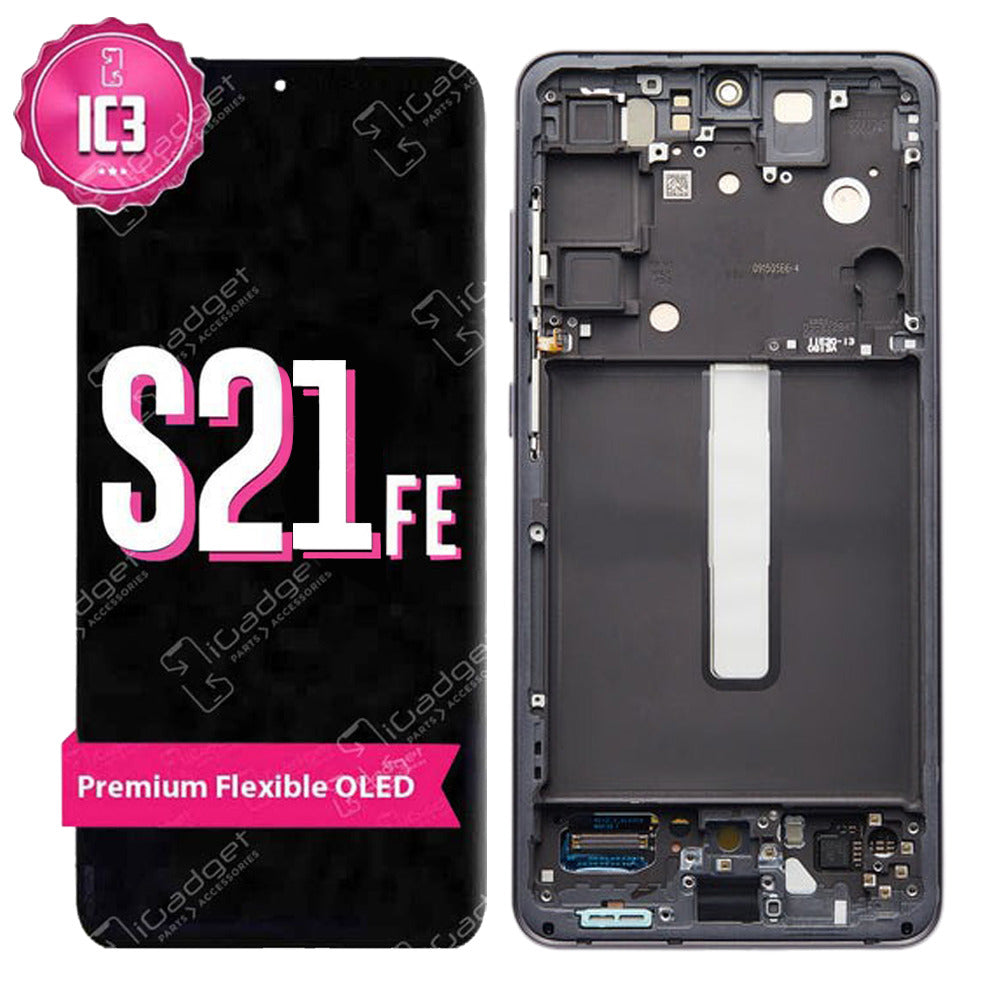
Samsung S21 FE 5G IC3 Screen Replacement with Middle Frame | OLED (SM-G990B/G990U)
Samsung S21 FE 5G IC3 Screen Replacement with Middle Frame | OLED (SM-G990B/G990U)
 In Stock
Regular price
NZ$94.99
Regular price
Sale price
NZ$94.99
Unit price
per
inc GST


Samsung S21 FE 5G IC3 Screen Replacement with Middle Frame | OLED (SM-G990B/G990U)
Samsung S21 FE 5G IC3 Screen Replacement with Middle Frame | OLED (SM-G990B/G990U)
In Stock
Regular price
NZ$94.99
Regular price
Sale price
NZ$94.99
Unit price
per
inc GST
- OLED with high colour intensity
- Preinstalled Frame so your repair is professional, quick and easy
- Compatible with Samsung Galaxy S21 FE 5G (SM-G990) models
Frequently Bought Together
Frequently Bought Together


Product Details

- OLED - Our iGadget IC3 range is OLED with brighter colours, whiter whites and darker blacks than other aftermarket LCD screens available
- INTEGRATED DRIVER CONTROL - Our iGadget IC3 range requires only one Integrated Driver Controller IC (IDC) to perform display and touch functions simultaneously, enhancing power efficiency, color and contrast.
- QUALITY MATERIALS - Our iGadget IC3 screens have been thoughtfully designed and constructed from superior quality materials. This is coupled with rigorous testing procedures to ensure iGadget IC3 screens outperform standard LCD screens.
- PRECISE CUTOUTS - The cutouts are accurate to the Original and includes the Middle Frame preinstalled to make repair easier. The technicians have meticulously worked to make sure all dimensions are exact so installation is a breeze.
- COST EFFECTIVE - iGadget IC3 screens are a much cheaper alternative to the Original OLED screens, saving you money without costing you in quality.
Please Note
This is a third party Samsung S21 FE replacement screen and not an Official Samsung product.
Please Note
The Screen bezel is slightly thicker than the Original and the corners are rounded
Specifications
- Screen Type: OLED
- Display Size: 6.4"
- Colours: Black
- Glass Rating: 9H
- Warranty: 12 Months
Compatible Model Numbers
 Samsung Galaxy S21 FE 5G
Model Number (SM Number)
- SM-G990B
- SM-G990B/DS
- SM-G990U
- SM-G990U1
- SM-G990W
- SM-G990E
- SM-G990E/DS
- SM-G9900
Installation Help

Watch the checkout the above video for assistance in completing this repair

Here is some tools you may need to help you complete the repair.
- #00 Metal Phillips 2.0mm Screwdriver Tool (PH00)
- Suction Cup
- Fine Tipped Curved Tweezers
- iGadget 5 piece opening picks
- Black Spudger
- uFix iOpener Heat bag
- 4mm Tesa Tape 61395 Roll Double Sided Adhesive Tape (50m)
- 5x iGadget Plastic Flexible Opening Cards

Here are some helpful tips to assist you in completing a safe repair on your device. If you are unsure of something or have any questions, please feel free to contact us either by phone (0508 IGADGET) or by email
- Always track your screws to avoid putting back in the wrong place and damaging your device. You can draw a picture of your phone and tape the screws to the right places or use a screw mat
- Always power down your device prior to working on it
- Make sure you always unplug the battery before attempting any component removal
- Opening the phone breaks the factory seal. Fit new adhesive when you close it up or the phone will lose its water resistance rating.
- Do not overheat the phone. The screen and the battery are both damaged by heat, so work in short bursts and keep the heat moving.
- Only push an opening pick 3 to 5mm past the edge. Any deeper and you can cut the antenna cable, the power button cable or the rear cameras.
- Use plastic tools only near the battery. Never bend, crush or puncture it.
- The fingerprint reader is part of the screen on newer models and may need setting up again after the repair.
What’s In The Box
- 1x Samsung S21 FE IC3 Screen Replacement


