





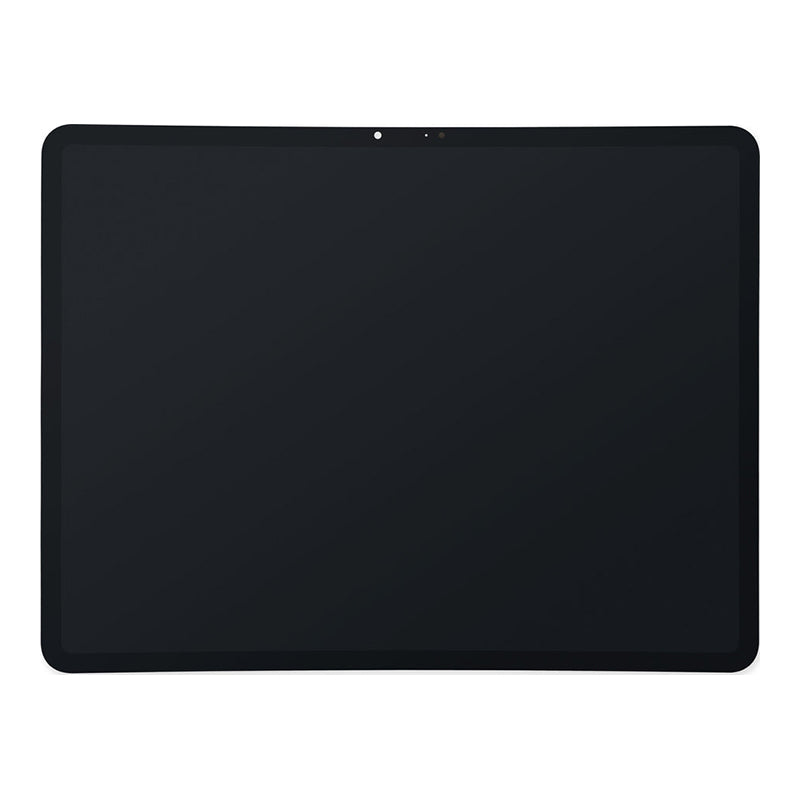
iPad Air 13" M2 and M3 Replacement LCD and Digitiser
iPad Air 13" M2 and M3 Replacement LCD and Digitiser
Regular price
NZ$462.99
Regular price
Sale price
NZ$462.99
Unit price
per
inc GST


iPad Air 13" M2 and M3 Replacement LCD and Digitiser
iPad Air 13" M2 and M3 Replacement LCD and Digitiser
Regular price
NZ$462.99
Regular price
Sale price
NZ$462.99
Unit price
per
inc GST
Email me when back in stock
- Replacement LCD and Digitiser
- 13 inch IPS LCD 2732 x 2048 Pixel Display
- Compatible with iPad Air 13" M2 (A2898, A2899 and A2900) and M3 (A3268, A3269 and A3271) models.
- Suitable replacement for a cracked or faulty display
Frequently Bought Together
Frequently Bought Together


Product Details
Replace a scratched or cracked front glass digitizer panel or a malfunctioning display on your iPad Air 13" M2 (A2898, A2899 and A2900) or iPad Air 13" M3 (A3268, A3269, A3271).
Part Includes:
- High Quality Aluminosilicate Glass that is Scratch and Damage Resistant
- OEM Led-Backlight IPS LCD
- Highly Responsive Touch Digitiser that reacts as it should to your fingertips
- 12 Month Warranty
Please Note
This part is not compatible with iPad Air 11" models
Specifications
- Resolution: 2732 x 2048 pixels, 4:3 ratio (~264 ppi density)
- Screen Type: LCD
- Screen Size: 13 inches (~86% screen-to-body ratio)
- Brightness: 600cd/m2
- Refresh Rate: 60Hz
- Connections: LCD and front camera
- Colors: Black
- Warranty: 12 Months
How do I find my Model number?
 iPad Air 13 Wifi
 iPad Air 13 Wifi + Cellular
iPad Air 13 Wifi
iPad Air 13 Wifi + Cellular
Compatible Model Numbers
iPad Air 13 WifiModel Number (A Number)
- A2898
 iPad Air 13 Wifi Model Numbers How do I find my Model number?
Model Identifier
- iPad14,10
EMC Number
- EMC 8394
Device Number (M Number)
- MV283
- MV2F3
- MV2K3
- MV2Q3
- MV2T3
- MV2J3
More info Less info
iPad Air 13 Wifi + CellularModel Number (A Number)
- A2899
- A2900
iPad Air 13 Wifi+Cellular Model Numbers How do I find my Model number?
Model Identifier
- iPad14,11
EMC Number
- EMC 8395
Device Number (M Number)
- MV6R3
- MV6W3
- MV713
- MV753
- MV773
- MV703
- MV743
More info Less info
iPad Air 13 WifiModel Number (A Number)
- A3268
iPad Air 13 Wifi Model Numbers How do I find my Model number?
Model Identifier
- iPad15,5
EMC Number
- EMC 8778
Device Number (M Number)
- MCNJ4
- MCNP4
- MCNL4
- MCQ34
- MCNX4
- MCNN4
More info Less info
iPad Air 13 Wifi + CellularModel Number (A Number)
- A3269
- A3271
iPad Air 13 Wifi+Cellular Model Numbers How do I find my Model number?
Model Identifier
- iPad15,6
EMC Number
- EMC 8779
Device Number (M Number)
- MCJ24
- MCJ44
- MCJ34
- MCJ94
- MCJC4
- MCJ14
- MCJ54
- MCJK4
- MCJP4
- MCJV4
- MCJM4
- MCJL4
- MCJU4
More info Less info
Installation Help

Checkout the video above for assistance in completing this repair

Here are some tools you may need to help you complete the repair.
- Phillips #000 Screwdriver
- Suction Cup
- TESA Tape
- Fine Tipped Curved Tweezers
- iGadget 5 piece opening picks
- Black Spudger
- uFix iOpener Heat bag
- iHold Evo Screen Holder
- S-160 Antistatic Heat Resistant Repair Mat

Here are some helpful tips to assist you in completing a safe repair on your device. If you are unsure of something or have any questions, please feel free to contact us either by phone (0508 IGADGET) or by email
- Always track your screws to avoid putting back in the wrong place and damaging your device. You can draw a picture of your laptop and tape the screws to the right places or use a screw mat
- Always power down your device prior to working on it
- Make sure you always unplug the battery before attempting any component removal
- Make sure you route the LCD and camera cables correctly so they don't get pinched by the hinge
What’s In The Box
- 1x 1x iPad Air 13" M2 and M3 Replacement LCD and Digitiser


