


Filter by
-
Sold Out


 alt="iPad 7 / iPad 8 / iPad 9 (2019/2020/2021) 10.2" Glass & Digitiser Screen Replacement" />

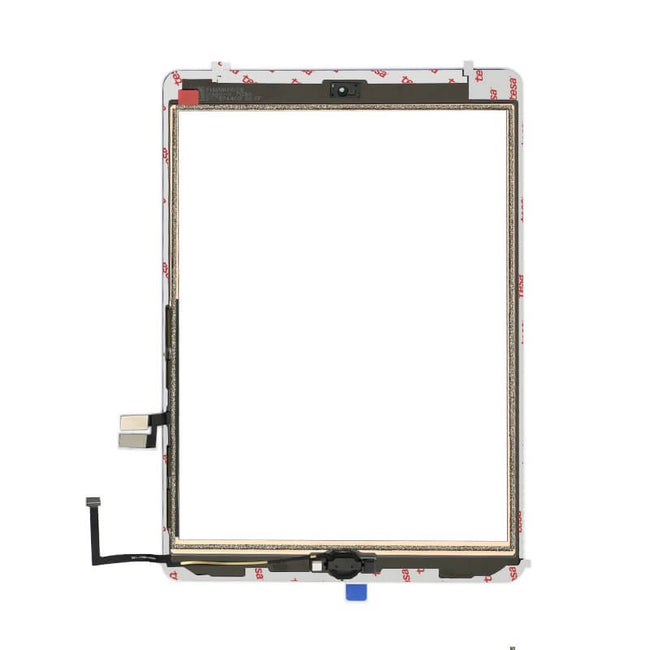 alt="iPad 7 / iPad 8 / iPad 9 (2019/2020/2021) 10.2" Glass & Digitiser Screen Replacement with Home Button" />

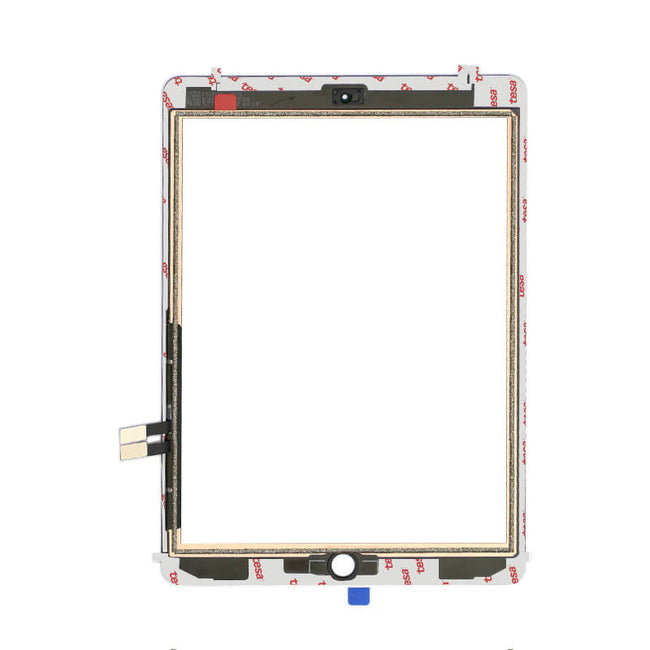 alt="iPad 6 (2018) Glass & Digitiser Screen Replacement with Home Button" />

 alt="iPad Air Glass & Digitiser Screen Replacement with Home Button" />

 alt="iPad 5 (2017) Glass & Digitiser Screen Replacement with Home button" />

 alt="iPad 6 (2018) Glass & Digitiser Screen Replacement" />

 alt="iPad Mini 1/2 Glass & Digitizer Screen Replacement with Home Button and IC" />

 alt="iPad 4 Glass & Digitizer Screen Replacement with Home Button" />

 alt="iPad Air/5 (2017) Glass & Digitiser Screen Replacement" />

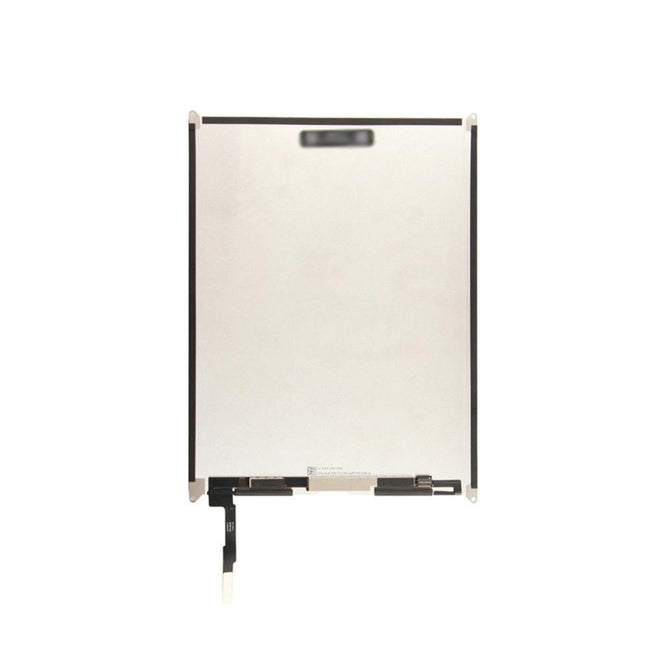 alt="iPad 7/8/9 LCD Replacement backside" />

 alt="Ipad_Air_2_-_094A2056_RTIQZX0CZL3U.png" />

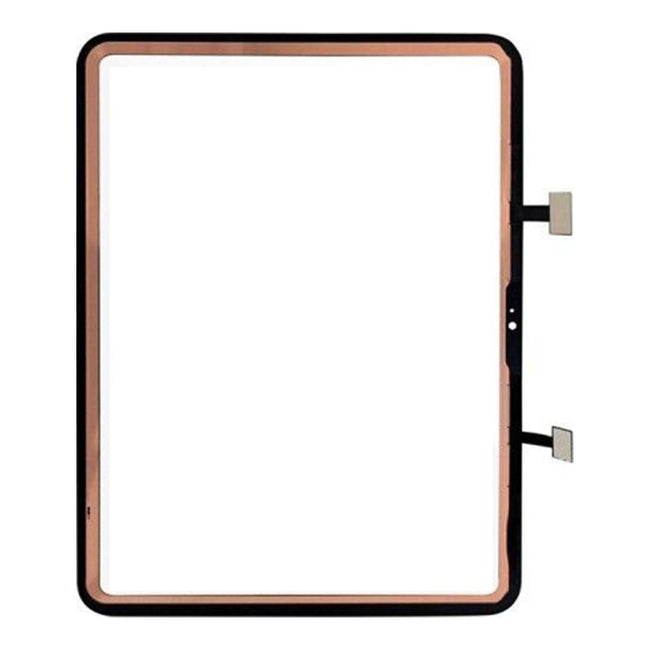 alt="iPad 10 (2022) and iPad 11 (2025) Glass & Digitiser Screen Replacement" />

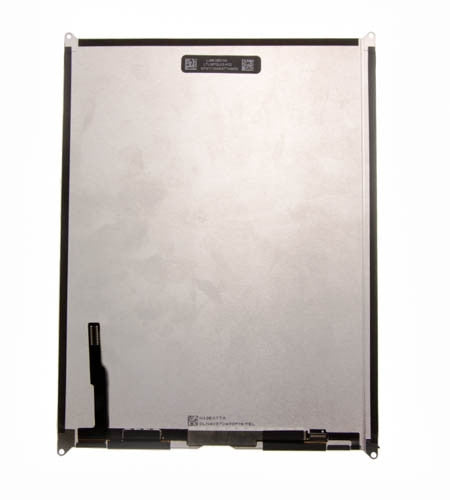 alt="822-8500_LCD_Screen_for_use_with_iPad_Air_RSRBU9CB3F0N.jpg" />

 alt="iPad 3 Glass & Digitizer Screen Replacement with Home Button" />

 alt="iPad 2 Display Trim Bezel" />

 alt="iPad Air 3 Black Glass and Digitiser Screen Replacement backside" />

 alt="822-8360_Screen_Bezel_Trim_with_adhesive__Black_for_use_with_iPad_3_&_4_RSR4EAIBUV3X.jpg" />

 alt="iPad Mini 5 Glass and Digitiser Screen Replacement" />

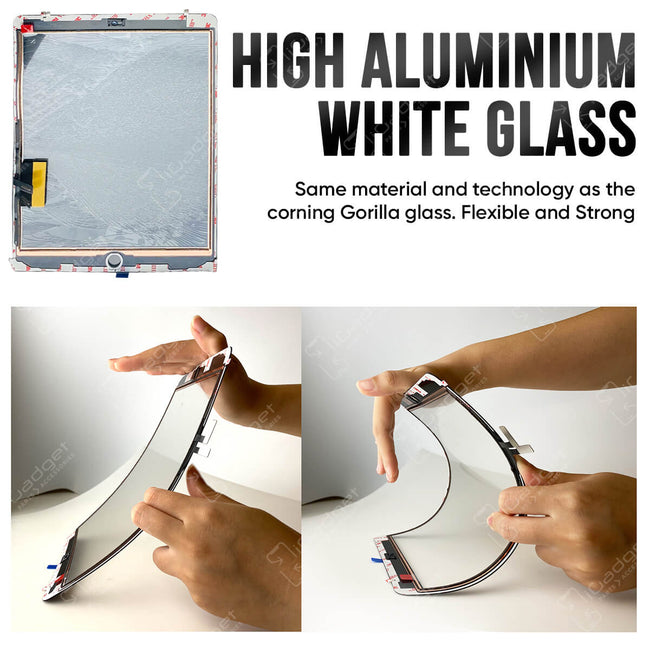 alt="iPad Air 4 Glass and Digitiser Screen Replacement" />
Buy an iPad screen and DIY your replacement. Great quality components and warranties available.
Contact us with any questions you may have.
NZ$0.00
 Dispatches today

You have unsaved items in your cart.
If you wish to save them for a future transaction, please save your cart items by clicking here.

Buy an iPad screen and DIY your replacement. Great quality components and warranties available.
Contact us with any questions you may have.