





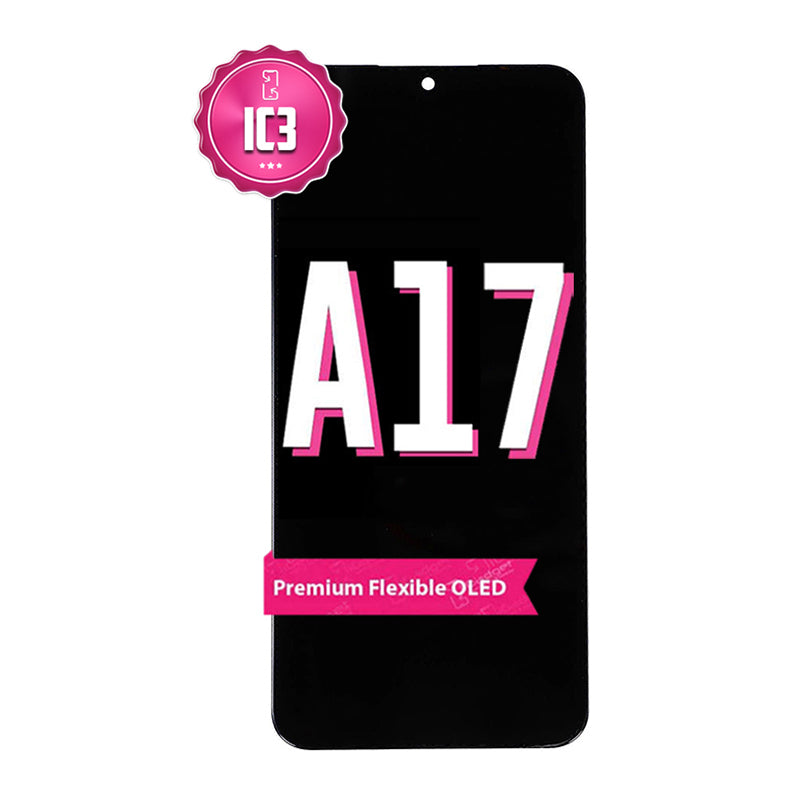
Samsung A17 5G IC3 Screen Replacement | OLED (SM-A176B)
Samsung A17 5G IC3 Screen Replacement | OLED (SM-A176B)
 In Stock
Regular price
NZ$229.99
Regular price
Sale price
NZ$229.99
Unit price
per
inc GST
 Ships today


Samsung A17 5G IC3 Screen Replacement | OLED (SM-A176B)
Samsung A17 5G IC3 Screen Replacement | OLED (SM-A176B)
In Stock
Regular price
NZ$229.99
Regular price
Sale price
NZ$229.99
Unit price
per
inc GST
- Premium OLED with high colour intensity
- 12-Month Warranty
- Compatible with Samsung Galaxy A17 models; SM-A176
Frequently Bought Together
Frequently Bought Together


Product Details

- PREMIUM OLED - Our iGadget IC3 range includes a premium OLED with brighter colours, whiter whites and darker blacks than other aftermarket LCD screens available
- INTEGRATED DRIVER CONTROL - Our iGadget IC3 range requires only one Integrated Driver Controller IC (IDC) to perform display, touch and 3D touch functions simultaneously, enhancing power efficiency, brightness, color and contrast.
- QUALITY MATERIALS - Our iGadget IC3 screens have been thoughtfully designed and constructed from superior quality materials. The OLED is equipped with superior circuitry and components which delivers a premium product quality. This is coupled with rigorous testing procedures to ensure iGadget IC3 screens outperform standard LCD screens.
- PRECISE CUTOUTS - The dimensions and cutouts are accurate to the Original. The technicians have meticulously worked to make sure all dimensions are exact so installation is a breeze.
- COST EFFECTIVE - iGadget IC3 screens are a much cheaper alternative to the Original OLED screens, saving you money without costing you in quality.
Please Note
This is a third party Samsung A17 replacement screen and not an Official Samsung product
Specifications
- Screen Type: OLED
- Display Size: 6.7"
- Colour Temp: 6500-7500k
- Colours: Black
- Brightness: 808 cd/m2
- Glass Rating: 9H
- Warranty: 12 Months
Compatible Model Numbers
 Samsung A17
Model Number (SM Number)
- SM-A176B
- SM-A176B/DS
Installation Help

Check out the video above for assistance in this repair

Here is some tools you may need to help you complete the repair.
- #00 Metal Phillips 2.0mm Screwdriver Tool (PH00)
- Suction Cup
- Fine Tipped Curved Tweezers
- iGadget 5 piece opening picks
- Black Spudger
- 5x iGadget Plastic Flexible Opening Cards

Here are some helpful tips to assist you in completing a safe repair on your device. If you are unsure of something or have any quesions, please feel free to contact us either by phone (0508 IGADGET) or by email
- Always track your screws to avoid putting back in the wrong place and damaging your device. You can draw a picture of your phone and tape the screws to the right places or use a screw mat
- Always power down your device prior to working on it
- Make sure you always unplug the battery before attemping any component removal
- Opening the phone breaks the factory seal. Fit new adhesive when you close it up or the phone will lose its water resistance rating.
- Do not overheat the phone. The screen and the battery are both damaged by heat, so work in short bursts and keep the heat moving.
- Only push an opening pick 3 to 5mm past the edge. Any deeper and you can cut the antenna cable, the power button cable or the rear cameras.
- Use plastic tools only near the battery. Never bend, crush or puncture it.
- The fingerprint reader is part of the screen on newer models and may need setting up again after the repair.
What’s In The Box
- 1x Samsung A17 IC3 Screen Replacement


