


Filter by
-
Sold Out

NZ$0.00
 Dispatches today

You have unsaved items in your cart.
If you wish to save them for a future transaction, please save your cart items by clicking here.


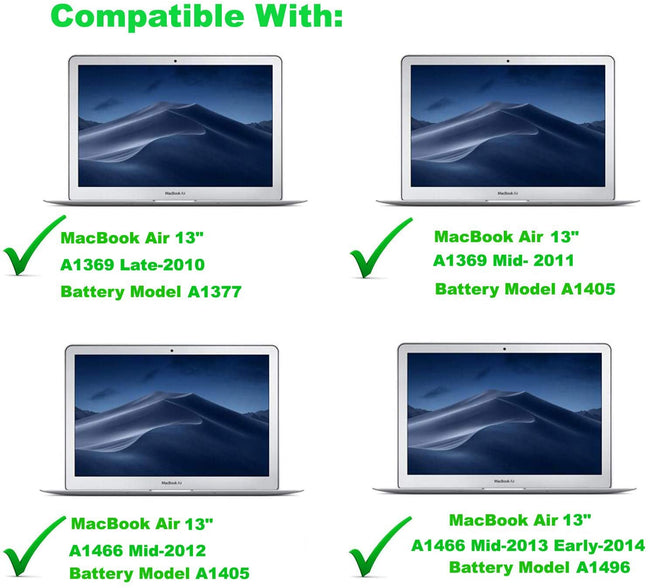 alt="Macbook Air 13" A1466 Battery Replacement for 2010-2017 (Model A1496)" />

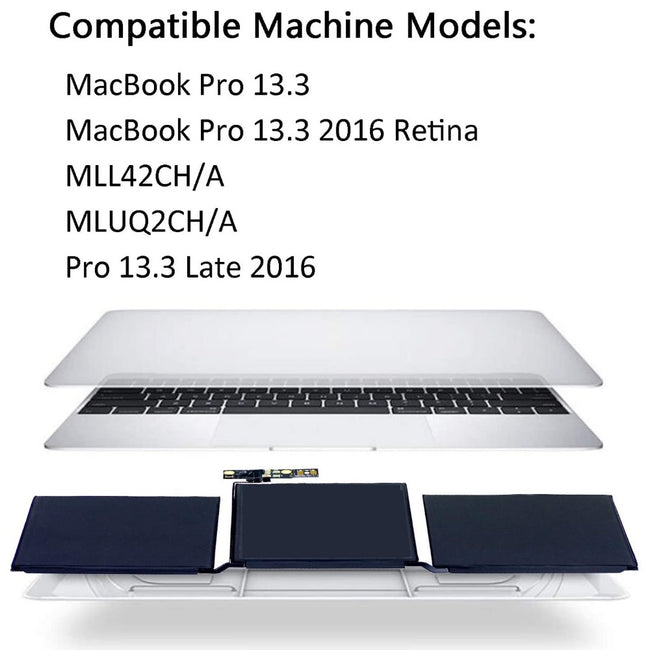 alt="Macbook Pro 13" A1708/ A2159/ A2289/ A2338 Battery Replacement for Late 2016-2020 (Model A1713/A2171)" />

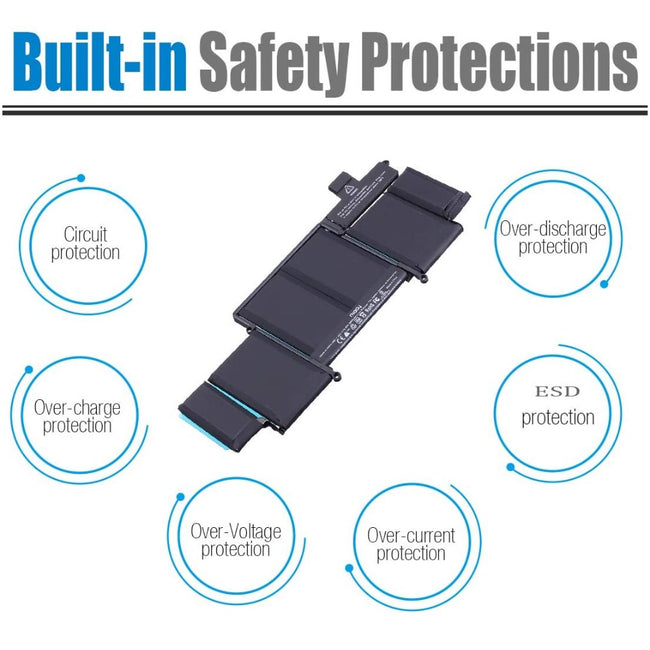 alt="Macbook Pro 13" A1502 Battery Replacement for Late 2013 - Early 2015 (Model A1582)" />

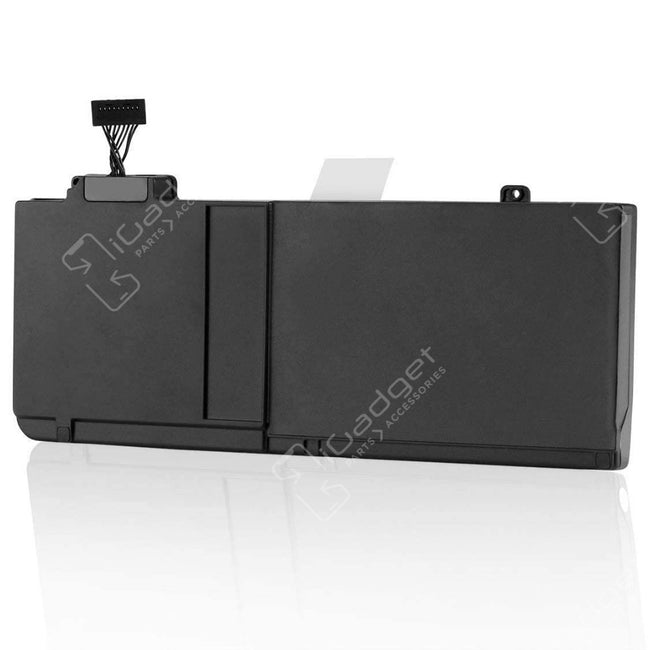 alt="Macbook Pro 13" A1278 Battery Replacement Mid 2009-Mid 2012 (Model A1322)" />

 alt="Macbook Air 11" A1370/A1465 Battery Replacement for (Mid 2011-Early 2015) (Battery Model A1406/A1495)" />

 alt="Macbook Pro 15" A1398 Battery Replacement for Late 2013 and Mid 2014-2015 (Model A1618)" />


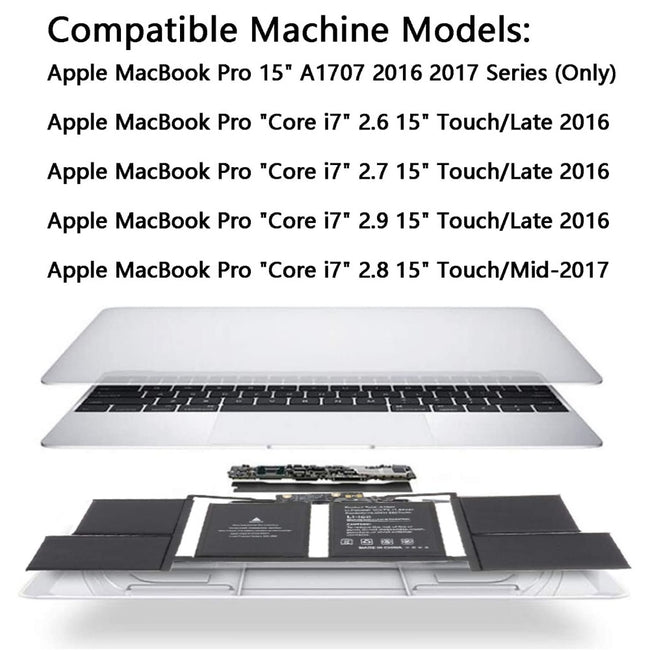 alt="Macbook Pro 15" A1707 Battery Replacement for TouchBar Late 2016-2017 (Model A1820)" />

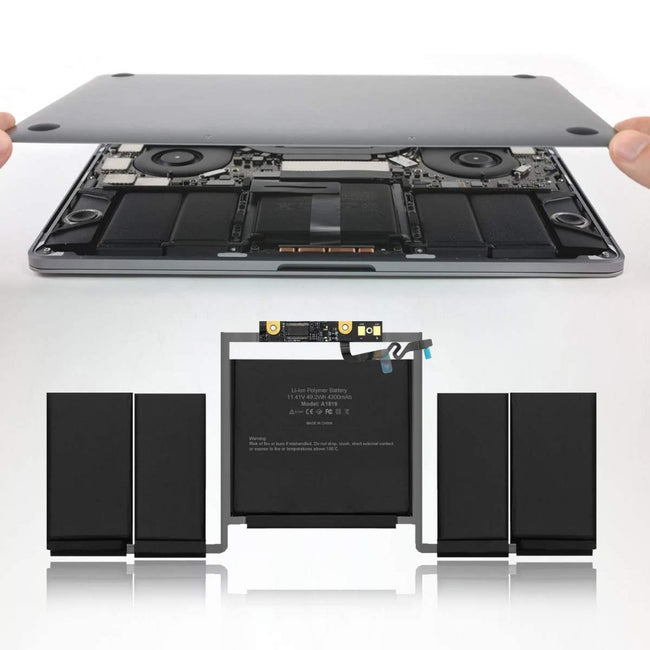 alt="Macbook Pro 13" A1706 Battery Replacement for TouchBar Late 2016-2017 (Model A1819)" />

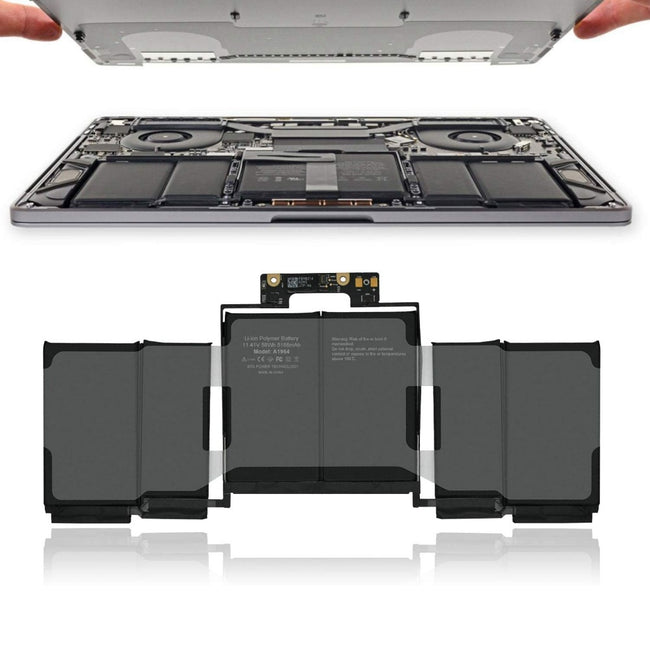 alt="Macbook Pro 13" A1989/A2251 Battery Replacement for Mid 2018-2020 (Model A1964)" />

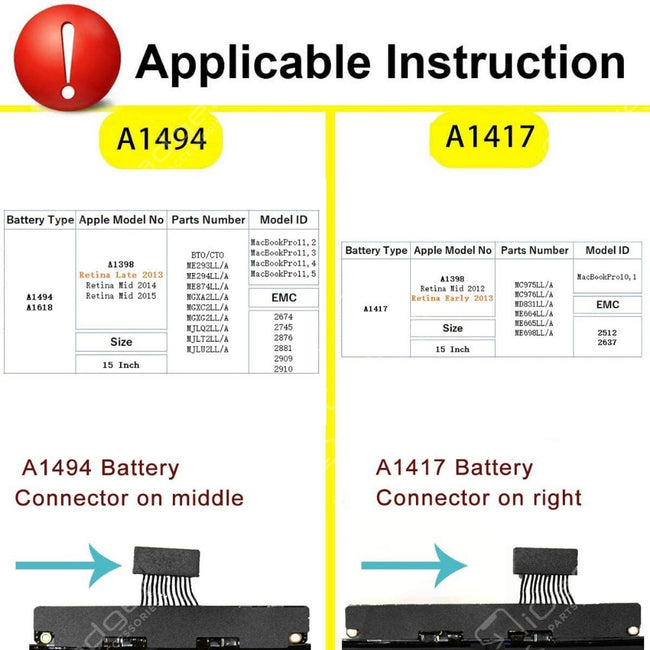 alt="Macbook Pro 15" A1398 Battery Replacement for Mid 2012-Early 2013 (Model A1417)" />

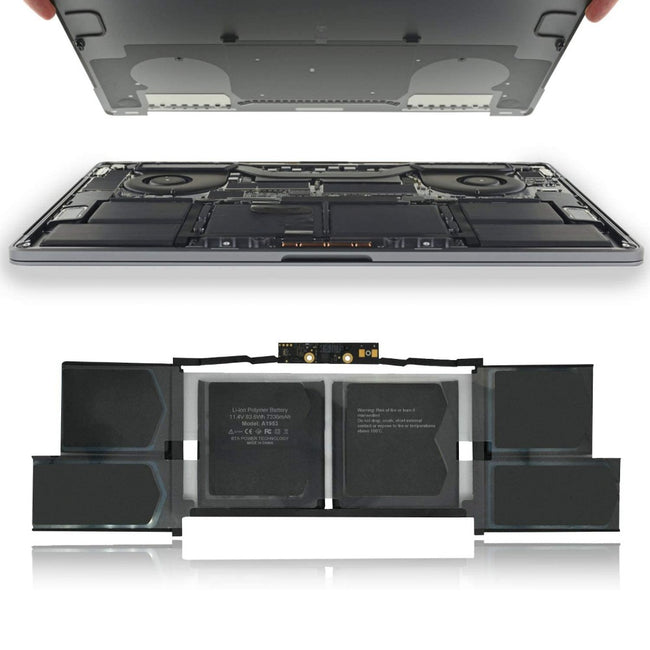 alt="Macbook Pro 15" A1990 Battery Replacement for Mid 2018-2019 (Model A1953)" />

 alt="Macbook Air M1 13" A2337 (2020) Battery Replacement (Battery Model A2389)" />


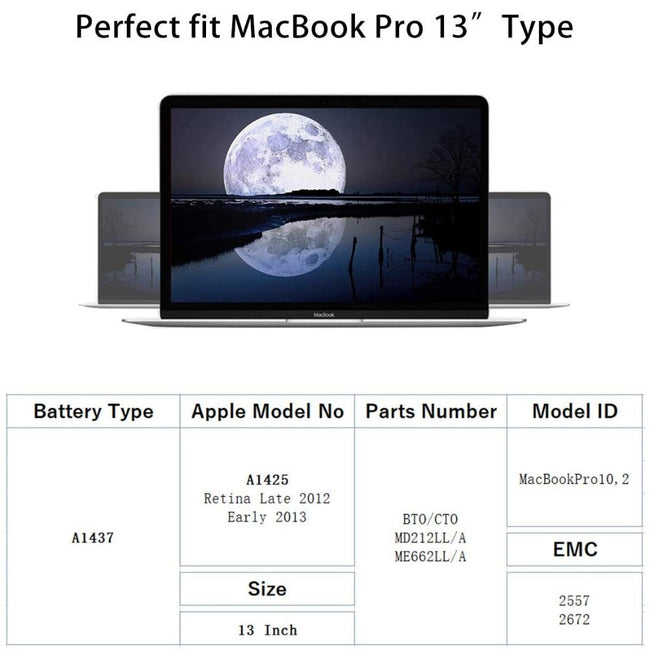 alt="Macbook Pro 13" A1425 Battery Replacement for Late 2012-Early 2013 (Model A1437)" />

 alt="Macbook Pro 14" A2442/A2779/A2918 Battery Replacement for 2021-2023 (Model A2519)" />

 alt="Macbook Pro 16" A2485/A2780 Battery Replacement for 2021-2023 (Model A2527)" />


 alt="Macbook Pro 14" A2992 Battery Replacement for Late 2023 - Present (Model A2977)" />