


Sold Out



You have unsaved items in your cart.
If you wish to save them for a future transaction, please save your cart items by clicking here.
 In Stock


 In Stock

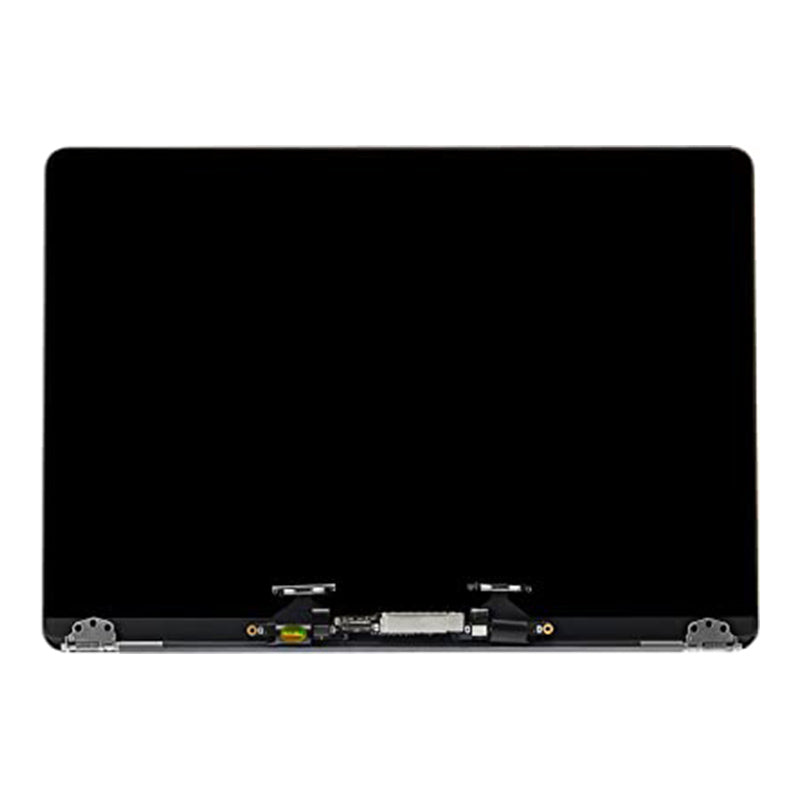
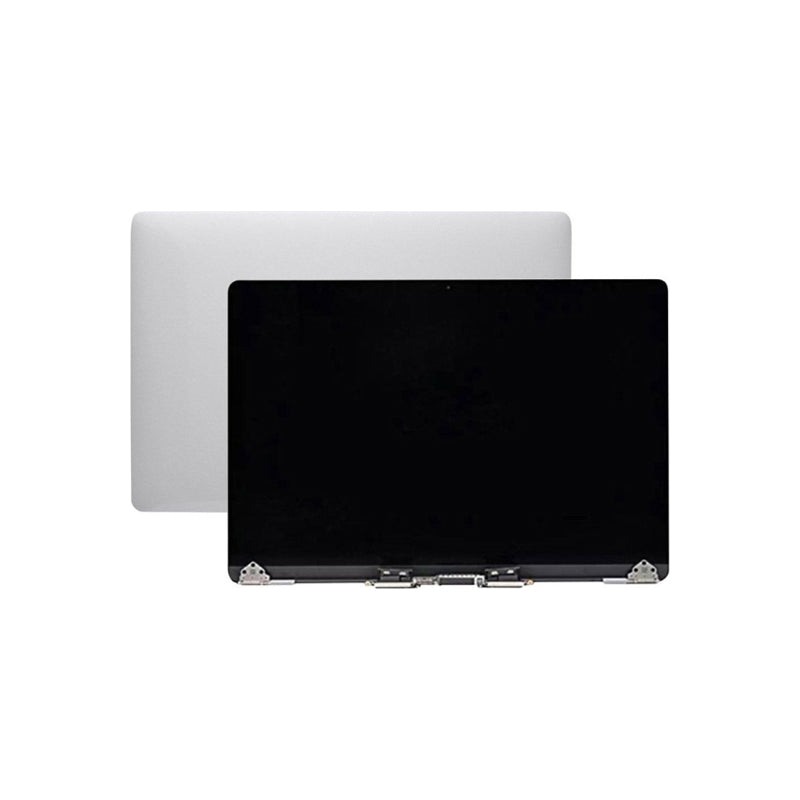
Cracked screen, black display, lines or flickering on your MacBook Pro 13" A2338? Replace a damaged or cracked LCD on your MacBook Pro 13" A2338 2020 & 2022 with a complete display assembly. It is preinstalled with all the small parts originally on the screen, so you can just remove and replace.
It is a 13.3" LED-backlit IPS LCD screen with a 2560 x 1600 resolution, supplied as a complete lid with the display cover, bezel, FaceTime HD camera, display daughterboard, clutch hinges, display spring and display flex already fitted. The display is held in with screws, so no heat or adhesive is needed and there is no glass or panel to separate.
The same display assembly fits both the M1 (2020) and M2 (2022) MacBook Pro 13" A2338. Choose Space Grey or Silver to match your MacBook.
Part Includes:
Does NOT fit Intel A2289 or A2251, or MacBook Air A2337. Check the A-number on the bottom case for your model.
Same part for M1 and M2 models. The whole lid is replaced, so pick Space Grey or Silver to match.
Aftermarket assembly, not a genuine Apple part. True Tone will not work. Brightness works as normal.
 MacBook Pro 13" M2 2022
 MacBook Pro 13" M2 2022 How do I find my Model number? MacBook Pro 13" M1 2020 MacBook Pro 13" M1 2020 How do I find my Model number?
Check out the video above or the step by step guide below for assistance with this repair
iFixit MacBook Pro 13.3" A2338 Complete Screen Replacement Removal Guide (M1 2020)
iFixit MacBook Pro 13.3" A2338 Display Assembly Replacement Guide (M2 2022)

Here are some tools you may need to help you complete the repair.

Here are some helpful tips to assist you in completing a safe repair on your device. If you are unsure of something or have any questions, please feel free to contact us either by phone (0508 IGADGET) or by email

Go to Settings > General > About. To the right of "Model Number", you can see the Device Number (M number). To see the the Model Number (A number) tap on the device number.

Find the serial number, EMC number and model number printed on the underside of your Mac near the regulatory markings. It's also on the original packaging next to a barcode label. EMC is the most accurate number to compare with our list as it takes into account the year of your device.
The original packaging might also show an Apple part number such as MNYF2xx/A ("xx/A" is a variable that differs by country or region and is not included on our list so can be disregarded)."

Go to Apple icon > About this Mac > System Report. It will automatically be selected on the hardware tab (left side). To the right, the model name and model identifier will be written on the first two lines."


To find out what model watch you have, turn your watch on

